My (Dumb) Parkrun Barcode App
This morning at the end of Parkrun I checked my shoe to find that the laminated barcode I stashed pre-run had gone walk abouts. Maybe it is time to come up with a better solution.
The obvious solution is to put the barcode in my apple wallet, and I do indeed have my barcode here (I use dfyb.run). But I have an aversion to running with my phone, and well thats a solved problem so where is the fun in that.
What I really want to do is put the barcode on my watch. Wise folk might look to the marketplace of exising solutions and install parkrun barcode which by all accounts works well. But as I say where is the fun in that.
So I did the only logical thing, build an app to display the barcode myself.
Understanding The Barcode
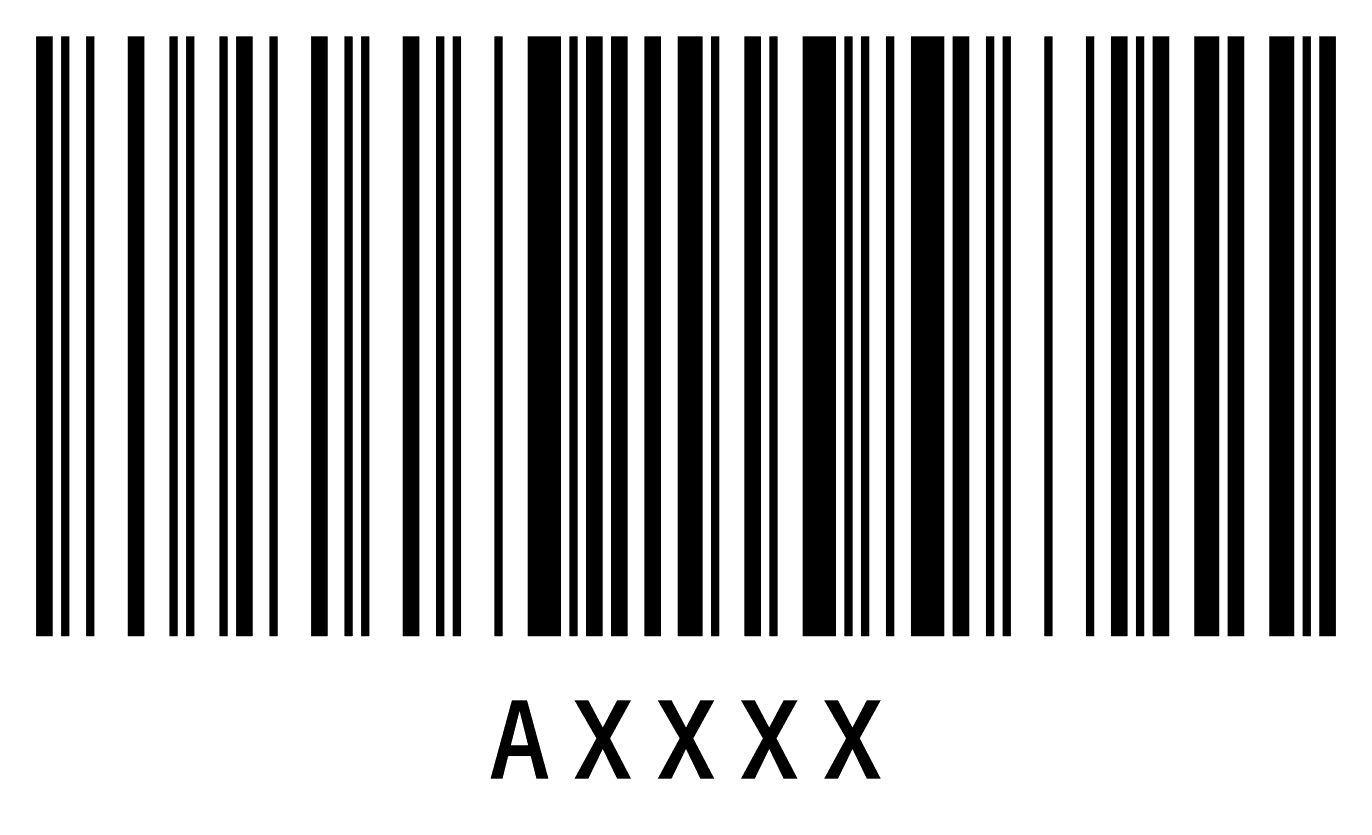
Thankfully parkrun barcodes are low-tech. The barcode is simply the parkrunners id ascii encoded. For example Andy Baddeley (former parkrun record-holder) has the id “A24468”. Traditionally parkrun’s barcodes are in code-128 format, however the scanning software is actually more permissive and other formats are supported including QR codes.
Since the forerunner 55 has a small screen (208 x 208) correctly rendering a code-128 barcode is not going to go well. QR codes however are more resilant, so we can display the “barcode” as a QR code.
As a bit of trivia the position tokens are equally simple. First place is the ascii “P1” encoded as a QR code.
Developing The App
I have no prior experience developing Garmin apps, so the development process was a bit like stumbling around in the dark. Thankfully in the end it turned out not to be so tricky.
Garmin uses an (I assume custom) language called Monkey C
for app development with their own toolchain built around a
VSCode extension. To make use of this you need to install
the SDK
which requires you to log-in (:().
The new project template for app by default shows an image of a monkey. Swap the monkey for a QR code, happy days. And, to be honest it pretty much was that simple.
Before:
<layout id="MainLayout" xmlns:xsi="http://www.w3.org/2001/XMLSchema-instance" xsi:noNamespaceSchemaLocation="https://developer.garmin.com/downloads/connect-iq/resources.xsd">
    <bitmap id="id_monkey" x="center" y="30" filename="../drawables/monkey.png" />
</layout>
After:
<layout id="MainLayout" xmlns:xsi="http://www.w3.org/2001/XMLSchema-instance" xsi:noNamespaceSchemaLocation="https://developer.garmin.com/downloads/connect-iq/resources.xsd">
    <!-- name label implementation omitted -->
    <bitmap id="id_barcode" x="center" y="center" filename="../drawables/barcode.png" />
    <!-- parkrun id label implementation omitted -->
</layout>
I didn’t even have to write any Monkey C, except to disable the menu.
The barcode was generated with a simple linux command.
qrencode -v 1 -l L -s 5 -m 2 -o barcode.png "A24468"The Proper Solution
A more proper solution would be to collect the name and barcode number via the Garmin Connect app then draw the QR code on the watch. This would allow the app to work for people who happen not to have the same parkrun id I do.
Maybe one day I’ll get around to doing this, but for now this will suit me just fine.